
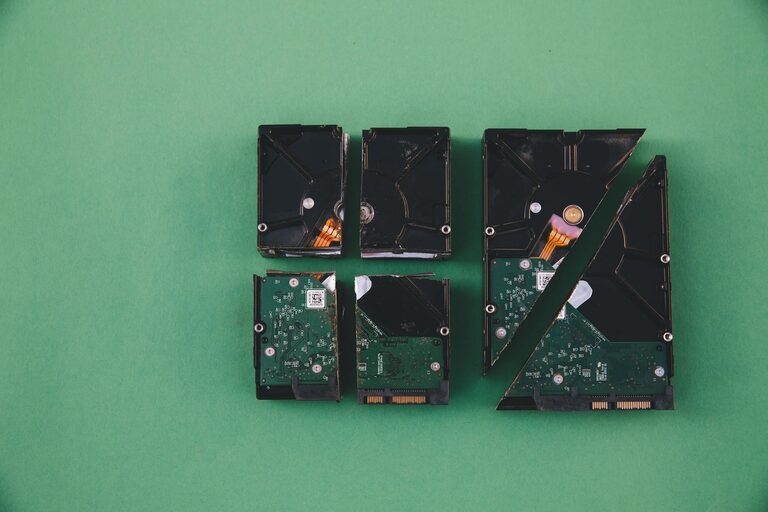
Backing up your photos and files is one of the smartest things you can do to protect your precious memories and important documents. Whether it’s family photos, work files, or personal projects, losing data can be frustrating and sometimes devastating. Fortunately, backing up doesn’t have to be complicated. In this post, we’ll walk you through effective and easy ways to back up your data, so you can feel confident that your information is safe.
Why Backups Are Important
Imagine losing all your photos from a vacation or essential documents due to a computer crash, accidental deletion, or virus attack. Backups provide a safety net and peace of mind by creating copies of your data. If something goes wrong, you can restore your files without stress.
Different Backup Methods
There are several ways to back up your photos and files. Each method has its benefits, and it’s a good idea to combine a few for extra security.
1. External Hard Drives and USB Drives
Using an external hard drive or USB flash drive is a popular and straightforward option.
– Pros: Easy to use, portable, no internet needed
– Cons: Can be lost or damaged, needs regular updates
How to use:
– Connect the drive to your computer
– Copy or drag your important files and photos to the drive
– Safely eject when done
– Repeat regularly to update your backup
2. Cloud Storage Services
Cloud storage lets you store your files online, accessible from any internet-connected device.
– Popular services: Google Drive, Dropbox, Microsoft OneDrive, iCloud
– Pros: Automatic syncing, accessible anywhere, often free up to a limit
– Cons: Requires internet access, may have storage limits or costs for extra space
How to use:
– Sign up for a cloud storage service
– Upload your files manually, or install software to sync folders automatically
– Check that files upload fully and are available on other devices
3. Network Attached Storage (NAS)
NAS devices are like personal cloud storage at home, connected to your network.
– Pros: Large storage capacity, accessible from multiple devices in your network
– Cons: More expensive, requires some technical setup
NAS is great if you want centralized backup for all your family or office computers.
Best Practices for Backing Up
To make sure your backup routine is effective, consider these tips:
1. Use the 3-2-1 Backup Rule
This popular rule helps maximize safety:
– Keep 3 copies of your data
– Store backups on 2 different types of media (e.g., hard drive and cloud)
– Keep 1 copy offsite to protect against theft or disaster
2. Schedule Regular Backups
Set a reminder to back up your files weekly, monthly, or depending on how often you add new data.
3. Organize Files Before Backing Up
Keeping your files organized in folders makes the backup process faster and restores easier.
4. Test Your Backups
Occasionally check that your backup files open correctly and that you can restore important data.
Step-by-Step Backup Example Using Cloud and External Drive
Here’s a simple routine combining two backup methods:
- **Organize your files** in folders by date or category on your computer.
- **Connect an external hard drive** and copy your organized folders to it.
- **Sign in to a cloud service** like Google Drive and upload the same folders (or use sync software).
- **Verify the backup** by opening some files from the external drive and cloud storage.
- **Schedule reminders** to repeat this process regularly.
Backup Tips for Mobile Photos
Many people capture photos on their smartphones, so don’t forget to back those up too.
– Turn on automatic photo backup in your cloud photo app (Google Photos, iCloud, etc.)
– Back up your phone regularly to your computer or cloud
– Consider using apps dedicated to photo backup for extra peace of mind
Conclusion
Backing up your photos and files is easier than ever with multiple options available. Using a combination of external storage and cloud services, following the 3-2-1 rule, and keeping a regular schedule will help protect your memories and important data from unexpected loss. Start today — your future self will thank you!